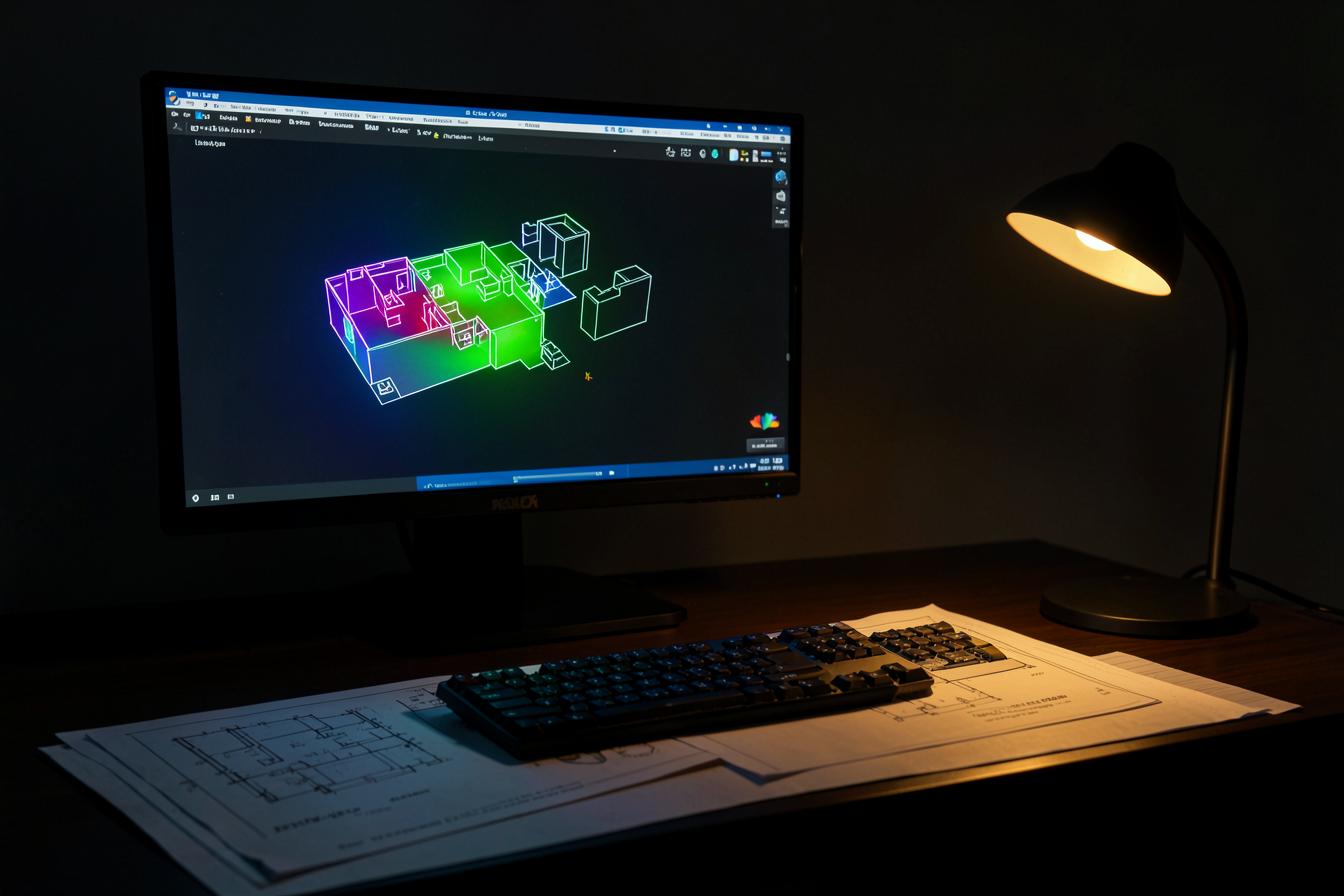
DIALux Is Not Slow. Your Workflow Around It Is.
The first three hours are often spent preparing information, not calculating light. That is the part Alya should compress without pretending detailed simulation no longer matters.
I am not interested in attacking DIALux. That would be dishonest.
DIALux is one of the most important professional calculation platforms in lighting design. The frustration designers feel is real, but most of it is not the calculation engine. It is everything we force the calculation engine to carry before and after the calculation.
DIALux is a calculation engine. It is not a project operating system, and it should not be blamed for every broken step around it.
A transparent ten-minute claim
The phrase "three hours in DIALux, ten minutes in Alya" is useful only when we define the ten minutes. It cannot honestly mean every detailed, standards-based calculation is complete in ten minutes.
| Workflow step | Conventional manual example | Alya-assisted target |
|---|---|---|
| Clean and understand source plan | 25 minutes | Review detected geometry and exceptions: 3 minutes |
| Create spaces and naming | 20 minutes | Confirm suggested spaces and names: 2 minutes |
| Find and map photometric files | 35 minutes | Review matched, sourced files: 3 minutes |
| Enter core assumptions | 20 minutes | Approve project template and exceptions: 2 minutes |
| Initial layout and documentation setup | 45 minutes | Prepared from design intent and existing fixture logic |
| Reconcile schedule, BOQ and report | 25 minutes | Connected outputs update from one approved model |
| Illustrative total before detailed review | 170 minutes | About 10 minutes of human review, plus calculation and design judgement |
This is an illustrative workflow benchmark, not a universal performance guarantee. Actual time depends on plan quality, complexity, fixture data, hardware and the level of review required.
Where the first hours disappear
The latest plan has to be found and cleaned. Rooms need to be named and understood. Ceiling heights, finishes and working planes must be confirmed. The relevant lux, uniformity and glare criteria must be selected.
The designer then searches manufacturer catalogues, downloads photometric files, checks lumen packages, imports luminaires, builds arrangements and tests several options.
After the calculation, fixture codes and quantities are copied into a schedule or BOQ. Screenshots and reports are exported. The design is explained in a presentation. When the architect changes the plan, the same chain begins again.
None of these tasks is unimportant. But many of them are repetitive and disconnected.
What Alya is designed to compress
Alya is built around the workflow before and around detailed calculation.
The project team can begin with a floor plan and structured brief. Alya helps identify spaces, organise requirements and create an initial lighting strategy based on space type, target levels, design intent and fixture categories.
It can help build the first fixture register and BOQ, connect codes to performance information and keep quantities tied to the project revision. It can also prepare data that the designer can carry into a dedicated calculation workflow.
The value is not that AI produces a final answer in ten minutes. The value is that the professional reaches the first reviewable option without manually rebuilding the same project context across several tools.
What Alya should not replace
Alya should not replace the lighting designer’s judgement. It should not claim that every project can skip detailed photometric calculation. It should not present an early estimate as final technical proof.
DIALux remains valuable for detailed geometry, verified photometric calculations, glare assessment, daylight studies, standards-based documentation and complex projects where the final result must be tested rigorously.
The strongest workflow is not Alya or DIALux. It is Alya reducing the fragmented setup and documentation, with DIALux or another validated engine used where detailed calculation is required.
Why speed matters
Speed is not valuable because lighting design should be rushed. It is valuable because iteration improves design.
When the first option takes three hours of setup, teams are tempted to defend it. When the setup takes minutes, the designer can compare more layouts, different beam angles, lower connected load, better glare control and alternative control scenes before committing.
AI should not reduce the amount of thinking. It should reduce the amount of repetition standing in the way of thinking.
What Alya must not compress
Understanding the architecture and the people using it.
Choosing what deserves light and what should remain quiet.
Checking glare, contrast, colour, source visibility and atmosphere.
Reviewing calculation assumptions and edge cases.
Mock-ups, site judgement and final aiming.
Professional responsibility for the issued design.
The relationship I want Alya to have with DIALux
The future is not Alya instead of DIALux. It is Alya deciding what must be calculated, preparing it correctly, remembering why, and bringing the result back into the project.
DIALux should remain excellent at detailed calculation. Alya should become excellent at continuity: plan understanding, design intent, product evidence, assumptions, version history, schedule, BOQ and presentation.
The ten minutes should not be a louder claim. It should be a provable workflow boundary.
Alya does not need to win by pretending an established professional tool is obsolete. It needs to solve the work lighting designers have accepted as normal because nobody connected it properly.
Primary Sources and Fact-Check Notes
- DIALux evo current download Official current release and capability overview.
- What is new in DIALux evo 14 Official feature overview.
- DIALux indoor lighting Official indoor workflow information.
- DIALux and open BIM Official BIM information.
Fact-checked 25 August 2026. Confirm the adopted standard and local requirements for each project.